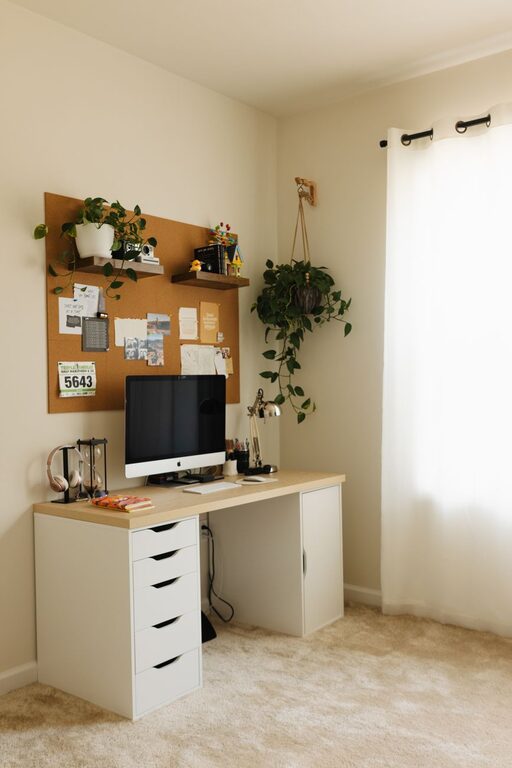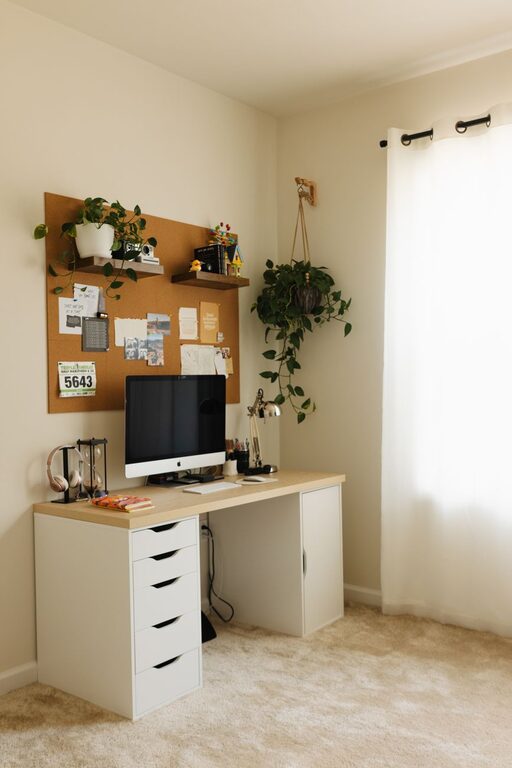
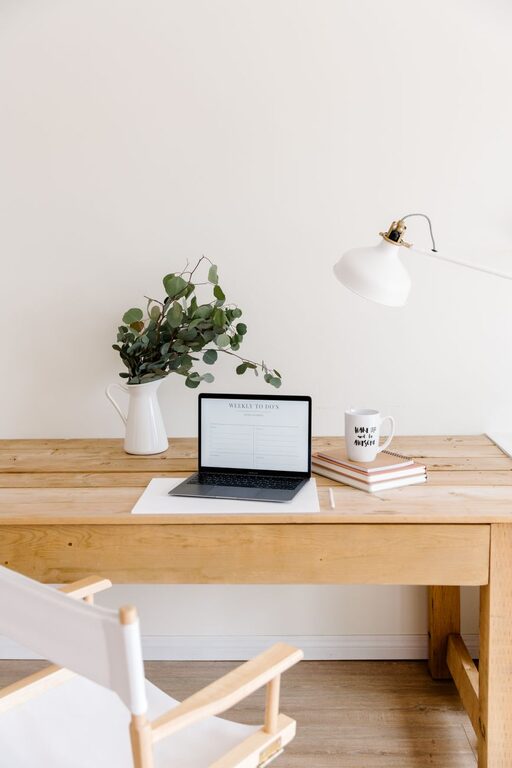
Creating a home office that balances comfort and productivity can make all the difference in your work-from-home experience. Whether you’re starting fresh or redesigning an existing space, thoughtful planning can help you stay focused while enjoying your surroundings. Below are helpful tips to guide you through setting up a cozy and efficient home office.
Choose the Right Location
Find a Quiet Spot
The first step is to select a location with minimal distractions. Ideally, pick a room or corner away from high-traffic areas like the kitchen or living room. If a separate room isn’t available, consider creating a nook that feels separate from the rest of your home.
Consider Natural Light
Natural light boosts mood and productivity. Position your desk near a window if possible, but be mindful of screen glare. If your space lacks windows, invest in good quality lighting that mimics daylight.
Invest in Comfortable Furniture
Select an Ergonomic Chair
Spending hours working means your chair should support good posture and comfort. Look for adjustable height, lumbar support, and cushioning. Avoid using dining chairs or sofas, as they usually don’t provide adequate support.
Opt for a Practical Desk
Choose a desk with enough surface area for your computer, notes, and any tools you regularly use. A desk with built-in storage or cable management features can help keep the area tidy.
Personalize Your Space
Add Soft Textures
Incorporate cushions, rugs, or a cozy throw to make your space inviting. These elements also help absorb sound, reducing noise distractions.
Decorate Thoughtfully
Keep decorations minimal but meaningful. Photos, plants, or inspiring artwork can create a pleasant atmosphere without overwhelming your working area.
Organize for Efficiency
Use Storage Solutions
Shelves, drawers, and organizers keep supplies within reach but out of sight. Label containers and keep frequently used items accessible.
Maintain a Clutter-Free Desk
A tidy desk helps maintain focus. Get into the habit of wiping down your workspace at the end of each day.
Optimize Technology
Invest in Good Equipment
Reliable technology reduces frustrations. Choose a monitor with the right size and resolution, a quality keyboard and mouse, and ensure your internet connection is strong.
Manage Cables
Use clips or sleeves to keep cables organized and prevent tangles. A clean desk contributes to a calm mind.
Enhance Comfort and Well-Being
Control Temperature and Air Quality
Use fans or space heaters as needed to maintain a comfortable temperature. Adding an air purifier or plants can improve air quality and create a healthier environment.
Incorporate Break Spaces
If room allows, include a comfy chair or small corner to step away from your desk during breaks. Short breaks help maintain energy and focus throughout the day.
Establish a Routine
Define Work Hours
Set specific start and end times for work to create boundaries. This helps you stay productive and prevents burnout.
Create Morning Rituals
Starting your day with a simple routine, like making tea or reviewing goals, can set a positive tone and help you transition into work mode.
Final Thoughts
Designing a home office that fosters both coziness and productivity doesn’t require a complete remodel. With thoughtful choices about location, furniture, organization, and comfort, you can create a space that makes working from home more enjoyable and efficient. Take your time to customize your workspace to fit your needs, and don’t hesitate to make ongoing adjustments as you discover what works best for you.