Working from home has become a common part of many people’s daily lives. Creating a home office space that is both cozy and functional can make a significant difference in your comfort and productivity. Whether you have a dedicated room or just a corner of your living space, these tips will help you design an effective workspace that feels inviting and supports your work needs.
Choose the Right Location
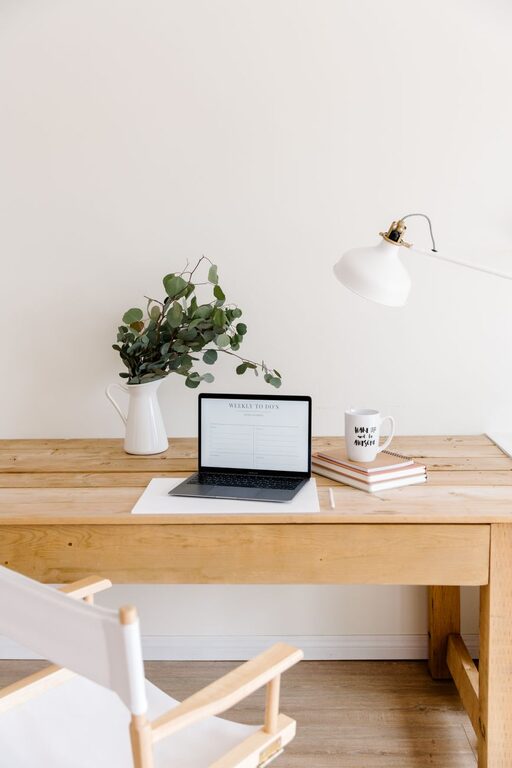
Picking the right spot for your home office is the first step. Ideally, select a quiet area with minimal distractions and good natural light. A room with a door can provide privacy during calls or focused work sessions. If space is limited, a corner in a living room or bedroom can work well too.
Prioritize Ergonomic Furniture
Comfort matters when you spend long hours at your desk. Invest in an ergonomic chair that supports your posture and an adjustable desk if possible. Make sure your monitor is at eye level to avoid neck strain, and keep your keyboard and mouse positioned to prevent wrist discomfort. A footrest can also add extra comfort.
Optimize Lighting
Good lighting influences both your mood and productivity. Position your desk near a window to take advantage of daylight. If natural light isn’t sufficient, use a combination of overhead lights and task lighting. A desk lamp with adjustable brightness and color temperature settings can reduce eye strain during evening work.
Keep It Organized and Clutter-Free
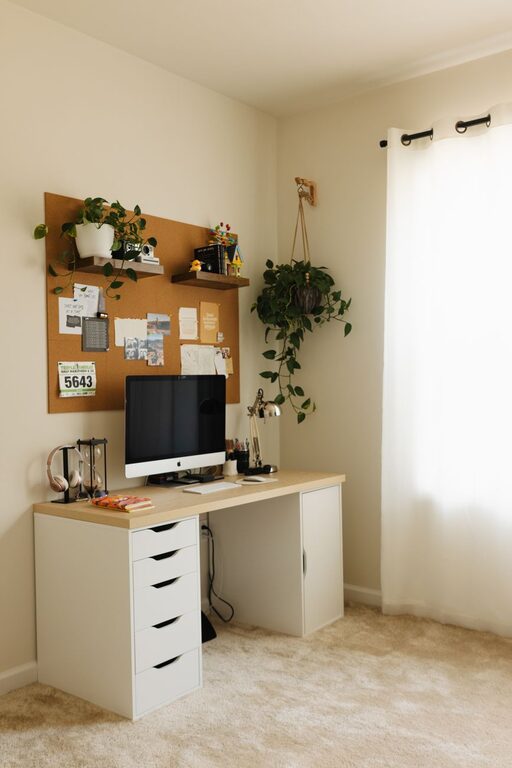
An organized space helps keep your mind clear and focused. Use shelves, drawers, or storage boxes to keep supplies and documents tidy. Cable management solutions will prevent cords from tangling and keep your desk clean. Regularly declutter the area to maintain a fresh workspace.
Add Cozy Elements
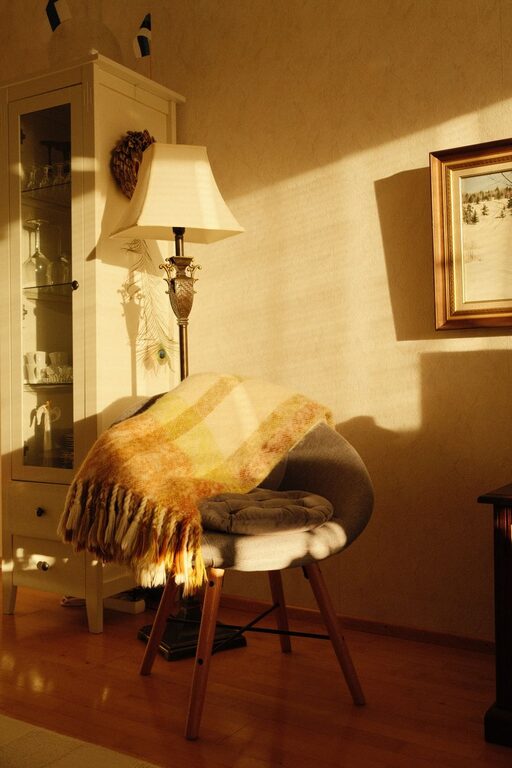
Comforting touches make your home office feel welcoming. Consider adding a soft rug, throw blanket, or cushions to your chair. Personalize the space with artwork, plants, or photos to create an atmosphere that inspires you. Plants not only add color but can also improve air quality.
Incorporate Functional Technology
Ensure your technology supports your workflow effectively. A reliable internet connection is essential. Use wireless accessories like a keyboard or mouse to reduce cable clutter. Noise-canceling headphones can help minimize distractions, especially in shared living spaces.
Create Zones for Different Tasks
If your home office needs to serve multiple functions, try creating separate zones. For example, dedicate one area for computer work, another for paperwork, and a comfortable spot for reading or brainstorming. This can help keep you organized and ready to switch tasks throughout the day.
Manage Sound and Privacy
Sound can disrupt concentration, so think about ways to reduce noise. Adding rugs, curtains, and soft furnishings helps absorb sound. If complete silence isn’t possible, consider playing white noise or soft background music to mask distractions.
Maintain a Routine and Set Boundaries
Even the best home office needs good habits to be effective. Establish work hours and set boundaries with family or housemates to minimize interruptions. Keep your workspace separate from relaxation spots when possible to maintain a healthy work-life balance.
—
By thoughtfully combining comfort and functionality, your home office can become a space where you enjoy working and achieve your best results. Remember, the key is to design a space that fits your needs and preferences while promoting well-being and efficiency.